
Instagram’s algorithm continues to heavily favor short form video, creating a relentless demand for daily content. This pressure forces many creators into a difficult choice between volume and quality, often leading to burnout. The constant need to produce fresh Reels can feel like a hamster wheel, where the creative spark gets lost in the repetitive grind of manual editing.
Why AI-Powered Batching Is Essential for Reels in 2026
The traditional approach of editing Reels one by one is no longer sustainable. Think about the hours spent on tedious tasks: trimming clips to find the perfect cut, manually typing and timing every single caption, and endlessly scrolling for the right audio track. Each video becomes a separate, time consuming project. This manual process is not just inefficient, it’s a strategic disadvantage when your competitors are publishing content daily.
This is where AI powered batching changes the equation. It shifts your role from a hands on video editor to a creative director. Instead of getting bogged down in the mechanics, you can focus on the bigger picture. The core idea is to automate the repetitive 80% of the work, like applying brand colors or generating subtitles, so you can dedicate your energy to the crucial 20% that requires human strategy and authentic storytelling.
Let’s be clear, AI is not here to replace your creativity. It’s a powerful assistant that handles the grunt work. By understanding the foundational principles of content strategy, which we often explore on the Blitz Reels blog, you can leverage these tools to produce a higher volume of content without sacrificing the quality that makes your brand unique. It’s about working smarter, not harder.
Building Your AI-Ready Brand Template
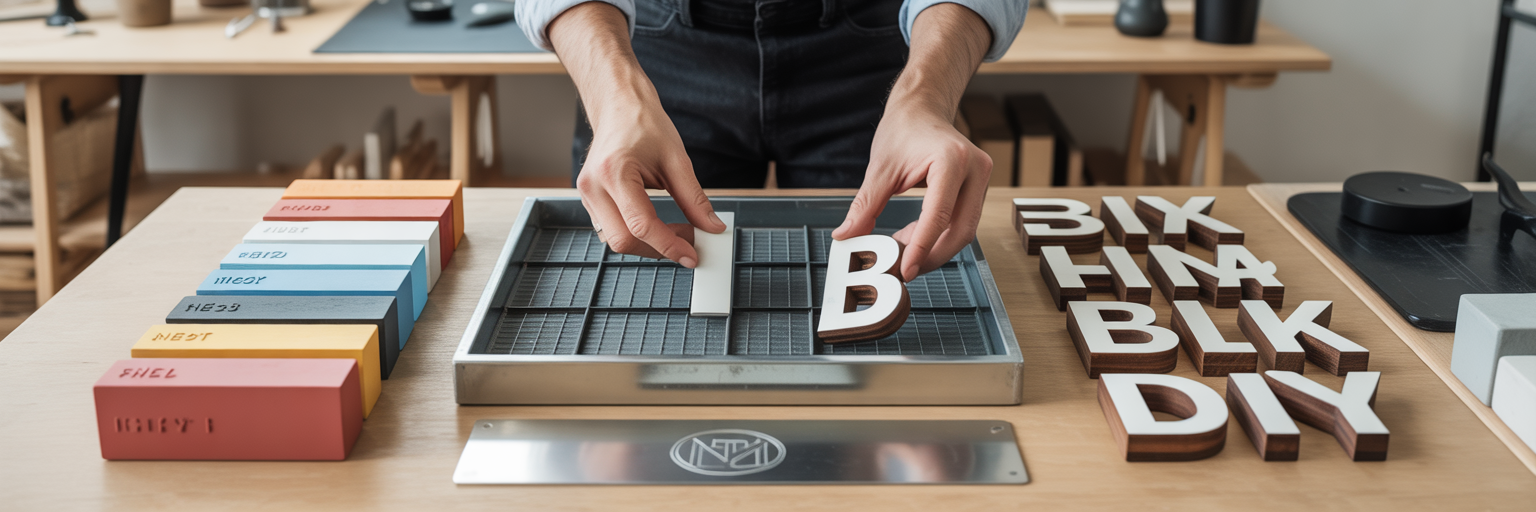
Before you can effectively use any AI tools for video editing, you must first build a solid foundation. An AI is only as good as the instructions it receives, and a well defined brand template is the ultimate instruction manual. This preparation is the non negotiable first step to achieving consistent branding on Instagram Reels at scale. It ensures every video, whether it’s the first or the fiftieth in a batch, looks and feels like it came from you.
Think of this template as the blueprint for your video content. It provides the AI with all the necessary components to assemble your Reels correctly every time. Here are the core elements you need to define:
- Core Visual Elements: This is the visual DNA of your brand. You need to have your exact hex codes for primary and secondary colors ready. Gather your font files, typically in .TTF or .OTF format, and prepare high resolution logo files. Make sure you have variations, such as a full color version, an all white version for dark backgrounds, and an icon only version for subtle watermarking.
- Master Video Template: Design a reusable layout for your Reels. This means establishing fixed positions for your logo, text overlays, and captions. A critical part of this is defining ‘safe zones’ to ensure your important elements are not covered by Instagram’s interface, like the username or the like button at the bottom of the screen. Using simple tools to crop an image can help ensure your brand assets fit perfectly within these zones.
- Standardized Text Styles: To maintain readability and brand recognition, create presets for your on screen text. Define the font size, color, and any background treatments you use, such as a semi transparent block behind the text or a simple drop shadow. This consistency makes your content instantly recognizable in a crowded feed.
- Audio and Transition Guidelines: Your brand’s feel is also shaped by sound and motion. Curate a list of on brand music genres or even specific sound effects that align with your tone. Similarly, choose two or three clean and unobtrusive transitions, like a simple cut or a quick fade. Overly complex transitions can look unprofessional when applied across dozens of videos.
A Four-Stage AI Batching Workflow
With your brand template in place, you can move into the production phase. An effective automate Reels creation workflow breaks the process down into manageable stages, transforming a single idea into a month's worth of content. This systematic approach is one of the most powerful time saving video editing tips for any creator. Here is a practical, four stage guide to get you started.
- Stage 1: Automated Content Generation and Scripting: The process begins with ideas. Instead of brainstorming one video at a time, use AI to generate a large batch of scripts from a single core topic. For example, you could give an AI a prompt like: "Act as a social media strategist. Generate 10 short video scripts, each under 45 seconds, about time saving video editing tips for busy entrepreneurs." In minutes, you’ll have a foundation for ten distinct Reels.
- Stage 2: AI-Assisted Asset Gathering: Once you have your scripts, the next step is to gather your visuals and audio. AI can accelerate this by sourcing relevant stock footage or B-roll based on keywords from each script. You can also use AI voiceover tools to produce consistent, high quality narrations for the entire batch. This eliminates the need for multiple recording sessions and ensures a uniform audio experience across all your videos.
- Stage 3: The Batch Editing Engine: This is where the magic happens. AI editing platforms ingest your scripts, visual assets, and the brand template you created earlier. The engine then performs key actions automatically across all videos. It will auto trim clips to match the script’s pacing, generate and time captions perfectly from the voiceover, and apply your preset brand fonts, colors, and logo to every single Reel. You can explore some of these powerful AI-driven features to see what’s possible.
- Stage 4: Automated Post-Production and Refinement: The final stage prepares your content for publishing. AI can help with the finishing touches by generating relevant hashtag groups for each video, writing engaging descriptions based on the script, and even suggesting optimal posting times based on your specific audience’s activity data. This ensures your content is not only created efficiently but also set up for maximum reach.
Choosing the Right AI Toolkit for Reels
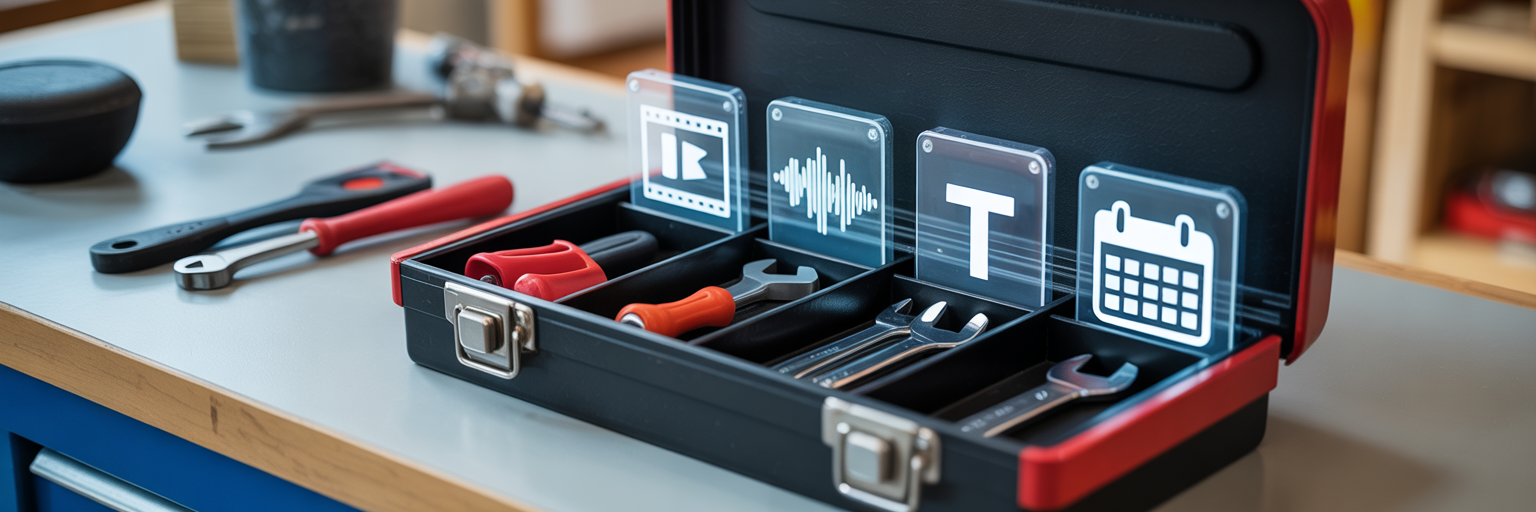
The market for AI tools for video editing is expanding, offering a range of solutions to fit different needs. The primary choice you’ll face is between all in one platforms that handle the entire workflow and specialized tools that excel at a single function. An all in one platform offers a streamlined experience within a single interface, which is great for convenience. On the other hand, combining several specialized tools gives you more flexibility and access to best in class features for specific tasks, though it may require more effort to manage.
To help you decide, here is a comparison of the two approaches.
| Factor | All-in-One Platforms | Specialized Tools |
|---|---|---|
| Convenience | High (single interface for all tasks) | Low (requires multiple apps and integrations) |
| Feature Depth | Good (covers all bases) | Excellent (best-in-class for one specific task) |
| Learning Curve | Moderate (one system to learn) | High (multiple systems and workflows to learn) |
| Cost | Often a single subscription fee | Can be higher due to multiple subscriptions |
| Flexibility | Limited to the platform's ecosystem | High (can mix and match best tools for each task) |
Regardless of which path you choose, there are essential features to look for in any tool geared for batch processing:
- Template saving and locking capabilities to ensure brand consistency.
- Bulk media upload from your computer or cloud storage.
- Integrations with services like Google Drive or Dropbox for seamless asset management.
- Batch export and rendering features to save your finished videos at once.
Two functions deserve special attention: captioning and media sourcing. Basic AI captioning is simple speech to text. Advanced tools, however, can generate animated, brand styled captions that grab attention. Similarly, the best media sourcing tools do more than find generic stock footage. They analyze your scripts to suggest clips that match the tone and context of your narration and can even generate royalty free music to fit the mood. Exploring a suite of dedicated video utilities can give you a clearer sense of what specialized AI can accomplish.
Maintaining Quality Control in an Automated Process
A common hesitation with automation is the fear of losing quality or authenticity. It’s a valid concern. We’ve all seen content that feels sterile and robotic. The key is to remember that AI is a tool to assist your workflow, not a replacement for your judgment. Automation should handle the labor, while you provide the final strategic oversight and creative polish. This human touch is what separates good content from great content.
The most important part of any automated workflow is the human review checkpoint. You must watch every single AI generated Reel before it goes live. The machine might miss subtle errors, like an awkward cut, a mistranscribed caption, or B-roll that is tonally inappropriate for the message. This review stage is your quality guarantee.
Think of the AI’s output as a very strong first draft. Your role is to make small, high impact adjustments. This could mean tweaking the timing of a clip by a few frames to perfect a comedic beat or rephrasing a caption to better reflect your brand’s unique voice. These minor refinements are what elevate the content.
To avoid a robotic feel, inject your personality into the AI generated scripts. Add brand specific terminology, inside jokes, or personal anecdotes that a machine could never invent. If you use an AI voiceover, listen to ensure it has a natural, engaging tone. Finally, create a feedback loop. Track the performance of your batched Reels. If certain hooks or formats consistently underperform, use that data to refine your master template and future AI prompts. This creates a cycle of continuous improvement, making your automated system smarter over time.
Streamlining Scheduling and Final Publishing

The final step in learning how to batch create Instagram Reels is mastering distribution. After all the work of scripting, asset gathering, and editing, the last thing you want is to spend hours every week manually uploading your content. This is where the efficiency gains of your new workflow truly pay off. By using a scheduling tool, you can upload your entire batch of approved Reels in a single session, planning out weeks or even a month of content at once.
Modern schedulers offer features that further streamline this process. For instance, many allow you to automatically post your hashtags in the first comment, keeping your captions clean and focused on the message. This small detail contributes to a more professional and polished look for your feed.
This final step is about more than just saving time. It’s about freeing up your mental energy. When you are no longer burdened by the daily task of posting, you can shift your focus to more valuable activities, like engaging with your community in the comments, analyzing your performance data, and planning your next creative campaign. Before you hit schedule on your batch, run through this quick pre flight checklist:
- Double check all captions for any typos or grammatical errors.
- Confirm the correct audio is attached and properly licensed for use.
- Verify that each Reel is scheduled for an optimal time based on your US audience analytics.
Once you have a fully streamlined system in place, you can consistently deliver high quality content without the burnout. For those ready to implement such a system, exploring different plans and options is the logical next move.